How to check a QR code is safe before you scan it
Reading the destination first is a five second habit worth building.
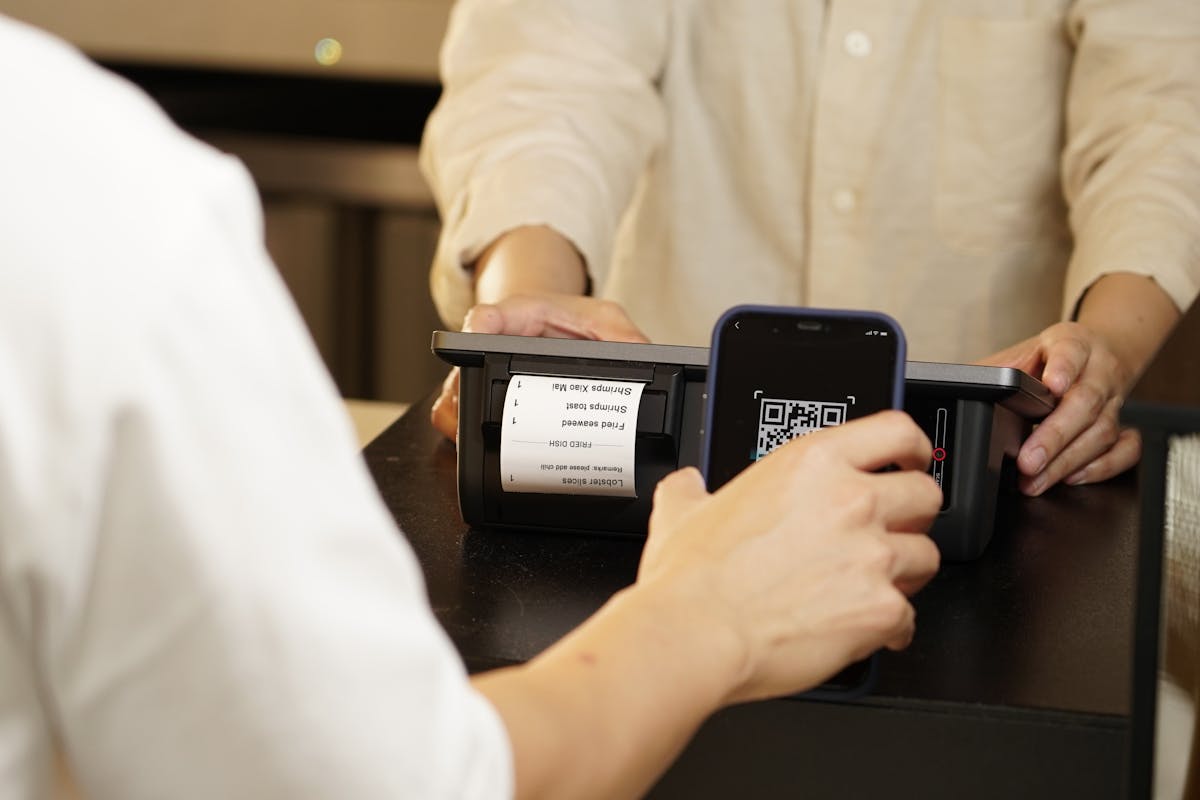
The scan happens in an instant. Where it actually leads is worth a second look first.
There is a parking meter near where I used to live that had a QR code sticker slapped over the original one, slightly crooked, clearly not part of the meter's original design. Maybe it was legitimate, an updated payment provider the council switched to. Maybe it was not. I never found out, because I did the one thing that made the question irrelevant: I read where the code actually pointed before my phone tried to open it.
That single habit is the whole story of QR code safety. A QR code is not inherently more dangerous than a text link, but it hides the destination in a way a normal link does not. You can see a written out web address before you click it. A QR code shows you nothing until it is already scanned, which is exactly why a sticker over a real one, or a fake flyer on a windshield, works as a trick in the first place.
See the destination before you visit it
- Open the QR Code Reader on TidyToolbox.
- Upload a photo of the code instead of scanning it live with your camera.
- Read the actual link or text before deciding whether to open it.
This separates the reading step from the opening step, which a normal camera scan usually does not. A photo gets decoded, the destination shows up as text and as a clickable link, and you decide from there. Nothing opens automatically just from uploading the picture.
Got a QR code you want to check before opening it?
Open the QR Code ReaderWhat actually makes a QR code worth a second look
- It is a sticker on top of something else. A code stuck over a parking meter, a menu, or a poster that clearly had its own code originally is the single biggest warning sign there is.
- It showed up somewhere unsolicited. A flyer under a windshield wiper, a card left on a table, an unexpected code in a text message from a number you do not recognise.
- The link looks almost right, but not quite. A domain with an extra word, a different ending, or a string of random characters where a real company name should be.
- It asks for something a legitimate scan would not. A login, a card number, or a password immediately after scanning, especially somewhere a payment should not require an account at all.
None of these guarantee anything bad on their own. A slightly odd looking link can be entirely legitimate, and a professional looking one can still be a trap. The point of checking first is not to become certain, it is to replace a blind tap with an informed one.
This runs entirely in your browser, so checking a code this way does not send the photo or the link anywhere either. It is just a faster, calmer way to see what a code says before your phone acts on it.
More guides on TidyToolbox
Looking for something else? Browse all tools on TidyToolbox.