What is actually inside a QR code?
It is not always a link, and the difference matters.
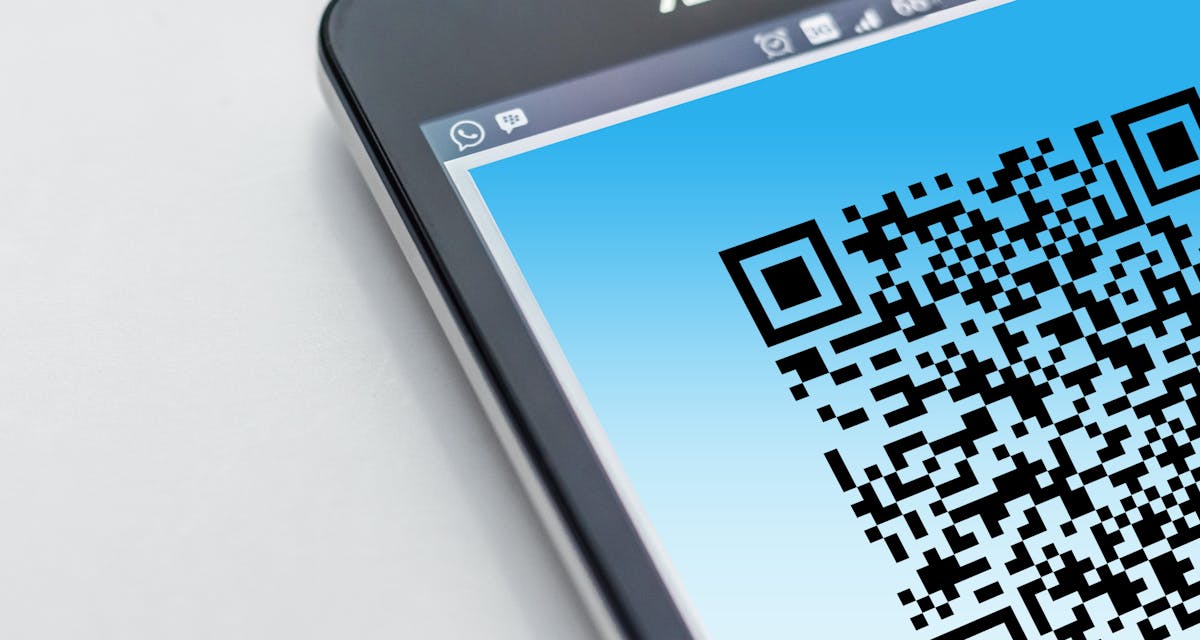
The squares give nothing away. What is actually inside depends entirely on who made it.
Most people assume a QR code is a shortcut to a website, because that is the version everyone runs into most often, on a menu, a poster, a parking meter. That is one thing a QR code can hold, but it is nowhere near the only thing. The square pattern itself does not know or care what kind of information it is carrying. It is just a way of storing text, and what that text says is entirely up to whoever made the code.
The five things a QR code usually holds
- A web link. By far the most common one, a plain URL that opens in a browser the moment it is scanned.
- Wi Fi details. A network name and password bundled together, so scanning it connects a phone automatically instead of someone typing a password off a wall.
- A contact card. A name, phone number, and email in one code, so scanning it offers to save a new contact directly.
- Plain text. Just a message, with nothing clickable about it at all, sometimes used for a short note, a code word, or a serial number.
- An email, a text message, or a phone call. A code can be built to open a pre filled email, start a text message, or dial a number the moment it is scanned.
All five look identical to the eye. The little black and white squares give no hint about which one you are looking at, which is exactly why scanning it and reading back what it actually says is worth doing before assuming.
How to see what a code actually contains
- Open the QR Code Reader on TidyToolbox.
- Upload a photo or screenshot of the code.
- Read back exactly what was encoded, a link, a message, Wi Fi details, whatever it happens to be.
If it decodes to a link, it shows up as a clickable link you can open. If it is plain text, Wi Fi details, or a contact card, it shows up as text you can read and copy, exactly as it was stored, nothing guessed or summarised on top of it.
Curious what a QR code you have actually says?
Open the QR Code ReaderWhy this is worth knowing before you make one too
If you are the one creating a code rather than reading one, the same idea runs in reverse. A QR code generator is really just deciding what text goes inside the square, then drawing the square. Type in a link and it becomes a link code. Type in a plain sentence and it becomes a text code that opens nothing, just displays what was typed. There is no special "website mode" happening behind the scenes, the content decides the behaviour entirely.
That is worth knowing because it explains a common mix up: someone builds a QR code intending it to open a website, but types in the address without the ' https:// ' part, or misspells the domain, and the code faithfully encodes exactly that text. It is not broken. It is doing precisely what it was told, which happens to not be a working link.
If you want to check a link a code is pointing to before you visit it, particularly one from somewhere you do not fully trust, there is a separate guide on that below.
More guides on TidyToolbox
Looking for something else? Browse all tools on TidyToolbox.