How to combine multiple photos into one PDF
A short, practical guide.
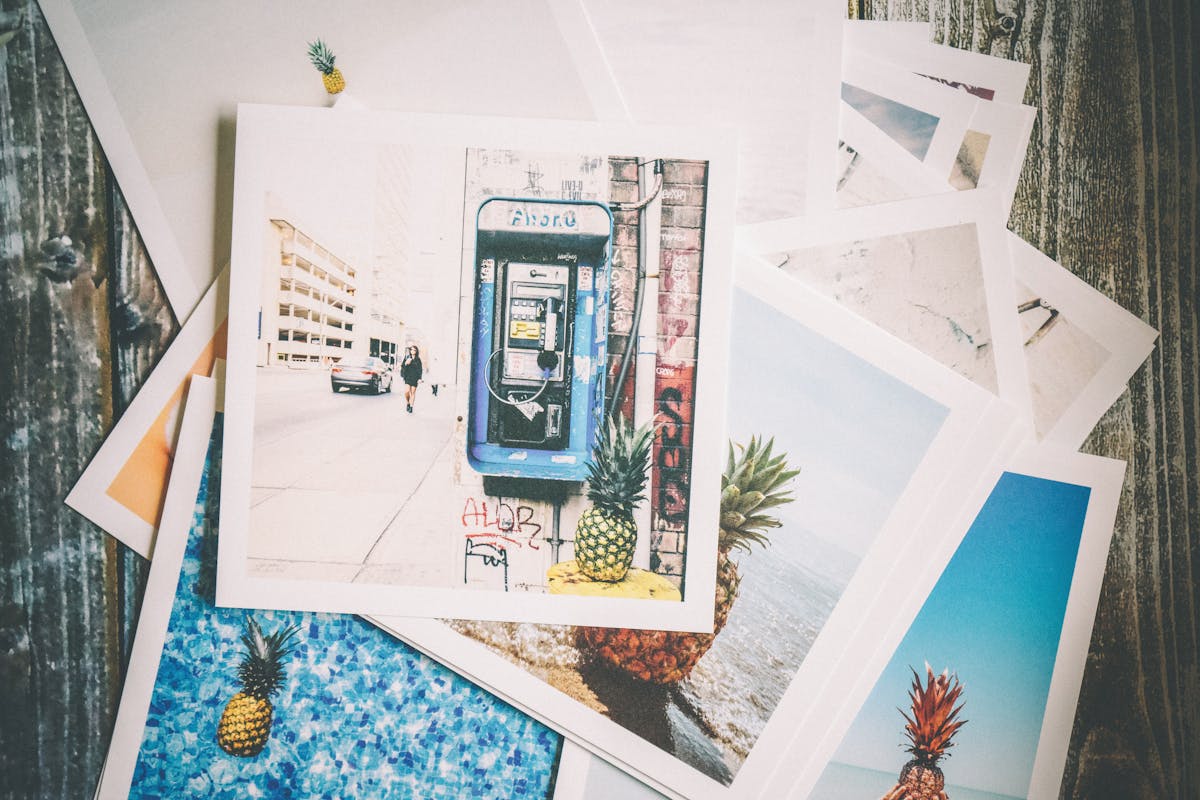
A stack of loose photos is exactly the kind of mess this turns into one file.
An accountant once asked me to send "the receipts" for a trip, and what she actually got was fourteen separate photos, out of order, two of them sideways, one blurry enough that the total was a guess. She was polite about it. She also asked, gently, if I could send it again as one file next time. Fair request. A stack of receipts, a signed form photographed page by page, a few pages of handwritten notes, there are plenty of everyday moments where several photos really should be one PDF instead, and this is the simplest way to get there.
Why turn photos into a PDF at all
A single PDF is easier to email, easier to name and file away, and easier for whoever receives it to open and read in order. Sending someone six separate photos of a signed contract, in whatever order your phone happens to list them, is a worse experience for everyone involved than sending one document.
How to combine photos into one PDF
- Open the photo to PDF converter on TidyToolbox.
- Drop in your photos, or drag in a whole folder if they are all saved together already.
- Reorder them if needed, so the pages read in the right sequence.
- Choose a look, the original photo, or a filter that sharpens text and flattens color for a cleaner scanned appearance.
- Download the finished PDF.
Everything happens in your browser. The photos are never uploaded to a server.
Have a stack of photos to turn into a PDF?
Open the photo to PDF converterGetting a cleaner, more scan like result
A photo taken at an angle, under yellowish indoor lighting, will look noticeably better with a filter applied than left as is. If the document is mostly text, a filter that increases contrast and reduces color makes it easier to read and looks closer to an actual scan rather than a photo of a page.
Good lighting when you take the photo matters more than any filter afterward. A document photographed near a window in daylight will need very little correction.
One file at a time versus a whole folder
For two or three photos, adding them individually is quick enough. For anything larger, a stack of twenty receipts, every page of a notebook, dragging in the entire folder at once and letting the tool handle the order is considerably faster than picking files one by one.
More guides on TidyToolbox
Need to convert a single image's format instead? See the image format converter, or browse all tools on TidyToolbox.