How to convert HEIC to JPG for free
A short, practical guide.
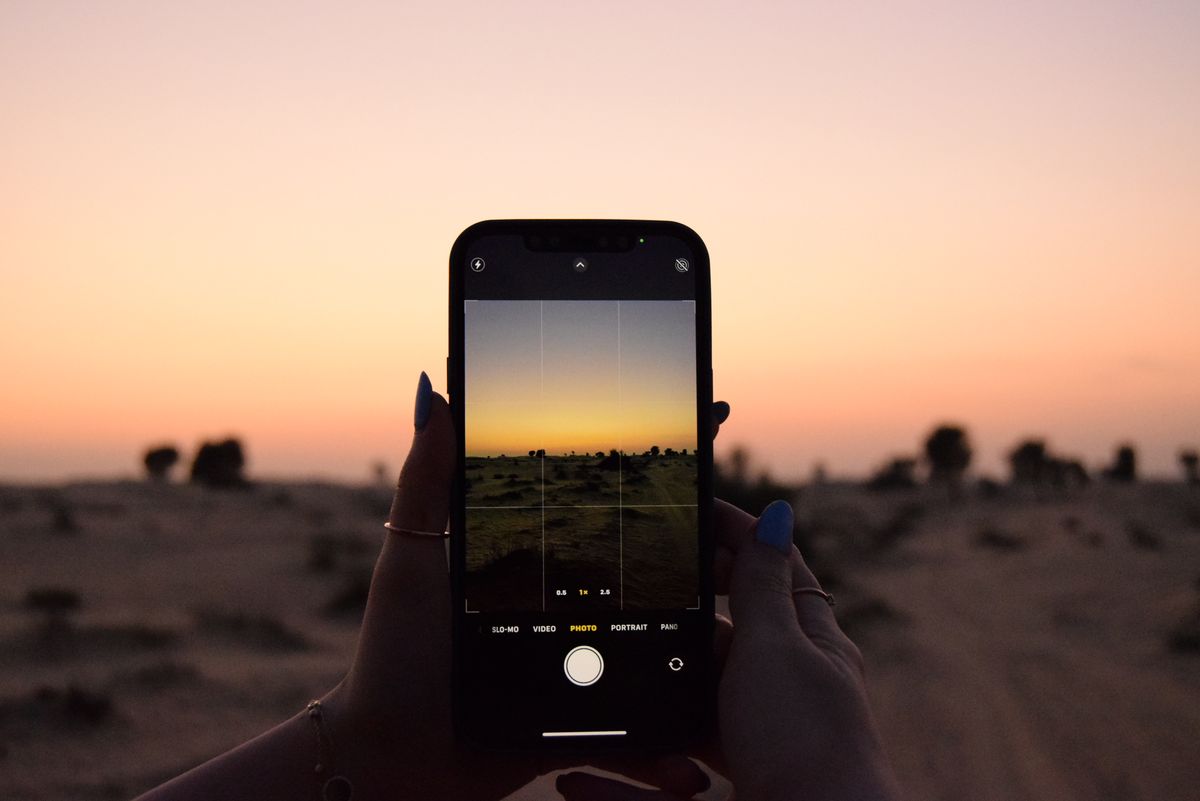
The photo looks fine on the phone that took it. That is where the trouble usually starts.
A friend once spent twenty minutes convinced her camera was broken because a photo she had just taken would not upload to a job application form. The camera was fine. The photo opened perfectly on her own phone, thumbnail and all, right up until it hit a website that had never heard of the format it was saved in. If you have taken a photo on an iPhone and then tried to upload it somewhere, an old computer, a friend's Android phone, a form that just says "invalid file," HEIC is almost always the reason.
What is a HEIC file, and why does it cause problems?
HEIC (High Efficiency Image Container) is the photo format Apple switched to by default a few years ago. It stores photos at roughly half the file size of a JPG with similar quality, which is genuinely useful for saving storage space on a phone.
The problem is support outside Apple's own ecosystem. Plenty of websites, older software, some Android phones, and many workplace systems still do not recognize HEIC at all. You end up with a photo that looks fine in your camera roll but fails to upload or shows as broken everywhere else.
The simplest fix: convert to JPG
JPG is supported absolutely everywhere, every browser, every operating system, every upload form built in the last twenty years. Converting a HEIC photo to JPG once solves the compatibility problem permanently for that file.
How to convert HEIC to JPG online, free
- Open the image format converter on TidyToolbox.
- Drop in your HEIC photo, or a whole batch of them at once.
- Choose JPG as the output format.
- Download the converted file, or all of them as a ZIP if you added more than one.
The conversion happens directly in your browser. Nothing is uploaded to a server, which matters if the photos are personal.
Have a HEIC photo to convert right now?
Open the image converterA couple of things worth knowing
You can change your iPhone to save new photos as JPG automatically instead of HEIC, in Settings, Camera, Formats, and choosing "Most Compatible." This does not fix photos you already have, but it prevents the problem going forward if compatibility matters more to you than saving storage space.
Converting to JPG does involve a small amount of compression, since JPG is a lossy format. For everyday photos this is not noticeable. If you need a fully lossless result, converting to PNG instead is an option, though the file size will be larger than the original HEIC.
More guides on TidyToolbox
Looking for something else? See the photo to PDF converter if you need to turn several images into one document, or browse all tools on TidyToolbox.