How to add text to a PDF for free
A short, practical guide.
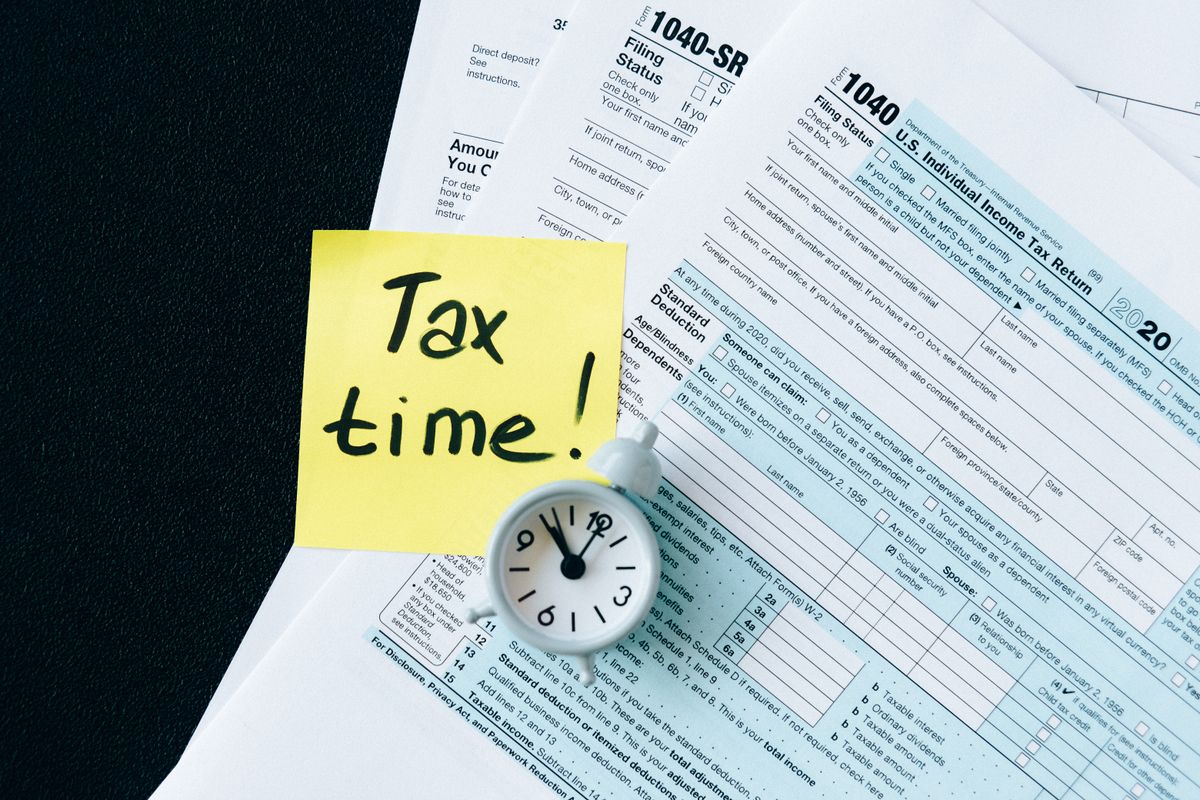
Application forms, tax paperwork, anything printed as a PDF that still needs a few lines filled in by hand.
Every year around tax time I get sent some official looking PDF with a form on it, and every year my first instinct is to print it, fill it in with a pen, then scan it back in, because that feels like the proper way to deal with a form. It is also completely unnecessary, and it produces a worse looking result than just typing the answer straight onto the page in the first place.
You do not need Acrobat for this, and you do not need to print anything. Here is the whole process, done free in a browser.
Open the file
Go to the PDF editor and drop your file into it, or click to browse for it. Nothing gets uploaded anywhere, the file stays on your device the entire time, and the page renders straight away so you can see exactly what you are working with.
Click where the text should go
Choose Add text from the toolbar, then click the spot on the page. A text box appears right there, ready to type into. This works anywhere on the page, inside a form field that has no real interactive field behind it, in a blank margin for a note, or directly over a line that already has something printed on it, like a form label followed by empty space.
Format it so it actually matches
With the text box selected, a small toolbar lets you set the font, from Helvetica, Times, or Courier, pick the size, and turn on bold or italic. There is a color picker too, useful if you want a filled in answer to stand out from the printed form around it, or blend in and look like it was always there. Alignment options let you center or right align text as well, handy for filling in a total at the end of a line.
Move it, resize it, or delete it
Drag a text box to reposition it if your first click was not quite on the line. A small handle in the corner lets you resize the box, which also wraps longer text onto a new line inside it automatically. If you change your mind entirely, a small delete button sits right on the box itself.
Fixing a line instead of adding one
If what you actually need is to change wording that is already printed on the page rather than add something new, click directly on that existing text instead of using the Add text tool. It opens into an editable box the same way, already filled in with the original words, ready to retype. That covers the far more common request people have for a PDF, not adding a note in the margin, but changing a sentence that is already there.
Download it
Once everything looks right, download the finished file. Every change gets drawn onto the real pages of your original PDF, not flattened into a picture, so anything you did not touch stays exactly as sharp and selectable as it was before.
Got a form or a document that needs a few lines added?
Open the PDF editorMore guides on TidyToolbox
Looking for something else? See the CV and resume maker if you are building a document from a blank page rather than editing one, or browse all tools on TidyToolbox.