How to compress a PDF for free
A short, practical guide.
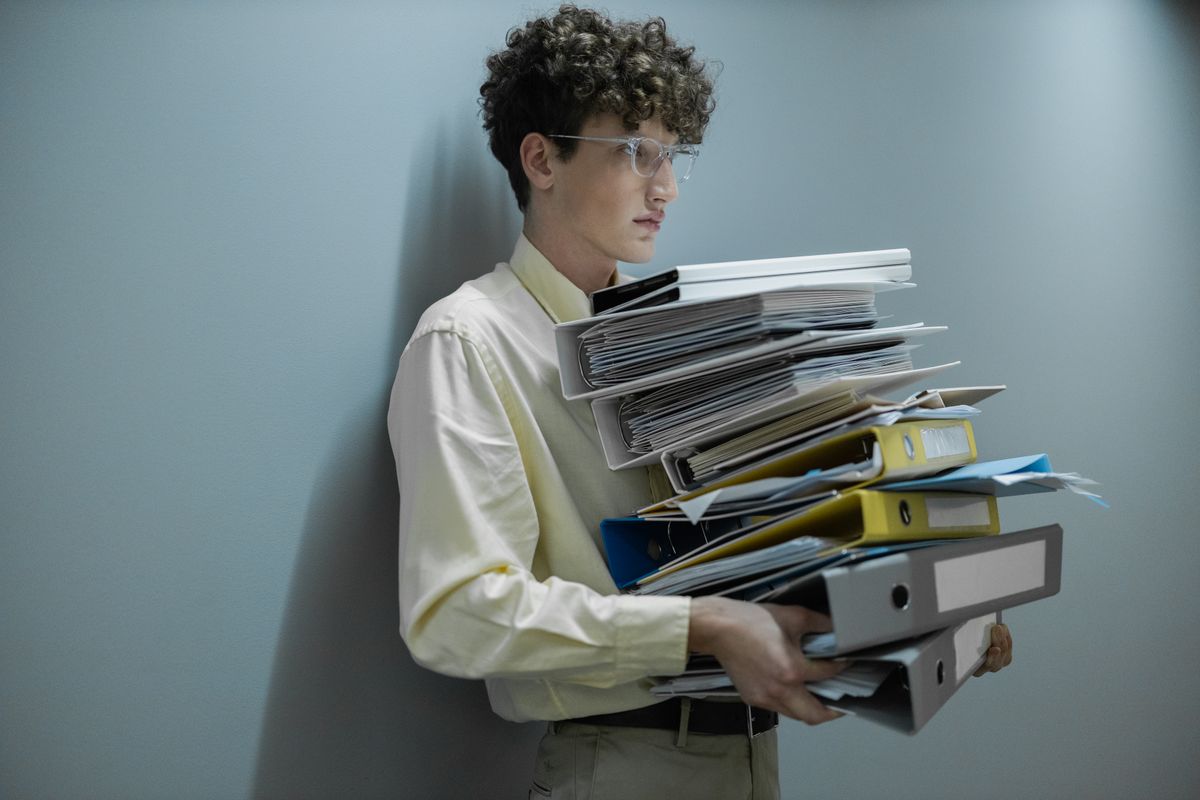
Somewhere in a file this size is a much smaller one trying to get out.
An email once bounced back at me with nothing but a size limit and a shrug. Twenty two megabytes, the message said, was too much. The PDF in question was eleven pages of a signed lease, scanned on a phone at whatever resolution the app defaulted to, and not one of those pages had a reason to weigh two megabytes on its own. A PDF that refuses to attach to an email, or gets rejected by an upload form for being too large, almost always just needs compressing. It is usually not broken, it is just bigger than it needs to be.
Why PDFs end up oversized
The most common cause is scanned or photographed pages saved at full camera resolution, where each page is essentially an uncompressed photo. A phone camera scanning app can easily produce a ten page PDF that is larger than a two hour movie. Screenshots pasted in one after another cause the same problem, and a PDF that has been edited and exported several times can end up carrying duplicate copies of the same image without anyone noticing.
How to compress a PDF online, free
- Open the PDF compressor on TidyToolbox.
- Drop in the PDF file.
- Pick a compression level. Balanced works well for most documents.
- Press compress and download the smaller file.
The whole process runs in your browser, so the file is never uploaded anywhere. It works by redrawing each page as a compressed image, which makes it especially effective on scans and photographed pages, since that is what those pages already are underneath.
Have an oversized PDF to shrink right now?
Open the PDF compressorA couple of things worth knowing
Because compressing redraws each page as an image, any text on the page is no longer selectable or searchable afterward, even though it still looks like normal text. Keep the original file around if you will ever need to copy text out of it or search inside it later.
If the PDF is already small and mostly plain text, compressing it here may not shrink it much, and can occasionally make it slightly larger. In that case, the better fix is usually to re export a lighter version from whatever program created the file in the first place.
More guides on TidyToolbox
Why is my PDF so large, and how do you fix it?
PDFCombine multiple photos into one PDF
BARCODESHow to make a barcode for free
IMAGE CONVERSIONHow to convert HEIC to JPG for free
SPREADSHEETS AND IMAGESBulk download images from an Excel or CSV sheet
RESUMES AND CVSShould your CV have a photo?
Looking for something else? See PDF to Word if you need to pull the text out instead of shrinking the file, the PDF editor if you just need to fix a line or two, or browse all tools on TidyToolbox.