Why is my PDF so large, and how do you fix it?
A short, practical guide.
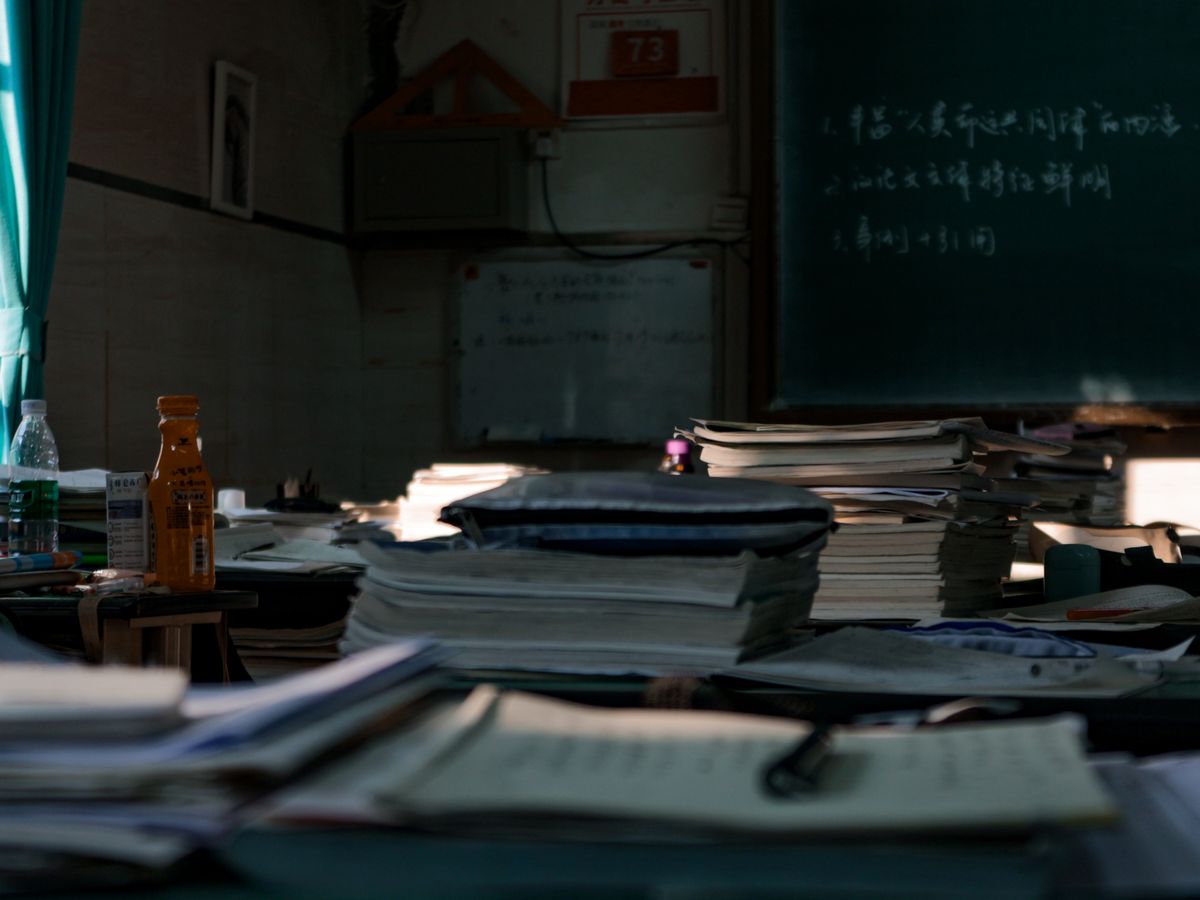
On paper, this is what a 200 megabyte PDF looks like before it was ever a PDF.
Someone once emailed me a two page contract that came in at 340 megabytes. Two pages. I genuinely thought the attachment had failed and downloaded a different file by mistake, right up until I opened it and found the same signature page, photographed at full camera resolution, embedded twice. A PDF that is mostly text should be measured in kilobytes. One that is measured in the hundreds of megabytes almost always has a specific, findable cause, and once you know which one applies, the fix is usually quick.
The usual suspects
- Scanned pages saved as full resolution photos. A scanning app that captures each page at camera resolution instead of a compressed setting can turn a simple document into hundreds of megabytes.
- Photos placed at print size when only a small preview was needed. An image dropped into a page at its original resolution carries all of that resolution with it, even if it displays small on the page.
- The same image embedded more than once. This shows up often after repeated cutting, pasting, or editing in some PDF tools, where a picture gets duplicated inside the file without anyone noticing.
- Fonts fully embedded for every character used. This adds up across documents using several custom fonts, though it is rarely the main cause on its own.
- Leftover data from old edits. Some editors keep earlier versions of edited content inside the file instead of clearing it out, quietly inflating the size over several rounds of changes.
Matching the fix to the cause
If the file is mostly scans or photographed pages, compressing is the right move. It redraws each page at a lower resolution, which is exactly the kind of file that responds well. See how to compress a PDF for free for the steps.
If the file is mostly real text with a few oversized or duplicated images, re exporting from the original document is usually the better fix. Compressing here works by turning every page into an image, which shrinks the file but also makes the text non selectable. A clean re export from the source document keeps the text intact and often produces a smaller, sharper result.
If embedded fonts are the main contributor, that is something only the original design software can fix, by subsetting the fonts to just the characters actually used. A PDF compressor working from the finished file cannot undo that.
Working from a scan or a stack of photographed pages?
Open the PDF compressorMore guides on TidyToolbox
How to compress a PDF for free
PDFCombine multiple photos into one PDF
BARCODESDo you need to buy a barcode, or can you make one for free?
IMAGE CONVERSIONHow to convert HEIC to JPG for free
SPREADSHEETS AND IMAGESBulk download images from an Excel or CSV sheet
VIDEO CONVERSIONHow to convert MKV to MP4
Looking for something else? See PDF to Word if you need editable text out of the file, the PDF editor if you just need to fix a line or two, or browse all tools on TidyToolbox.